Sellers of courses, downloads and other digital services who advertise one price across borders, and the bookkeepers who are later asked why the same sale produced different revenue in different months.
How it works
- Add one row per market with the rate that applies there, and mark the business rows as reverse charge.
- Choose what you hold fixed - one gross price or one net price - and enter it.
- Read the spread: under one gross price it is your margin moving, under one net price it is the customer price moving.
- Compare the last column against your own rate: that is what applying the home rate would have cost on each row.
What you gain
- Tells you exactly how much it's costing you to apply your own VAT rate to a cross-border digital sale, market by market, instead of one wrong rate applied to everything.
Screenshot
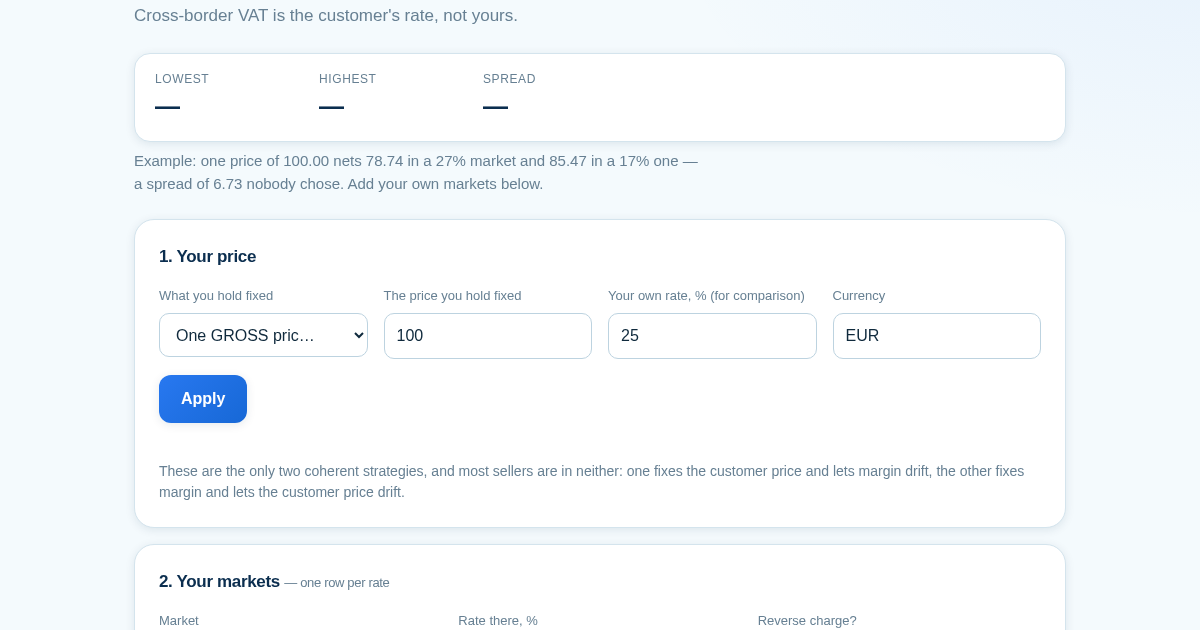
Technical details
How to set up & use
- Buy the license — your key (lic_...) appears on the order page and in your email.
- Sign in at app.synoriaai.com with your license key.
- No installation — the product runs in your browser, on your own isolated instance.
- 1. Open the Cross-Border VAT Checker page.
- 2. For each market you sell into, type the country name in the 'Market' field and its current VAT rate in the 'Rate' field, then click 'Add Market'. Repeat for every market you want to compare.
- 3. Enter your single headline price (the amount you charge customers) in the 'Price' field.
- 4. Review the table: for each market, you'll see your net amount after VAT, the customer price, and the exact cost of using the wrong rate for that market.
- 5. Toggle between the 'Gross Price' and 'Net Price' strategies to see how your net income or the customer price changes per market, then decide which approach fits your business.
Frequently asked questions
Does this tool store or send my entered market rates or prices anywhere?
No. All data you enter—market names, rates, and prices—is processed locally in your browser. Nothing is uploaded to a server, and no account or tracking is involved.
What exactly does this tool check?
It checks the arithmetic of your cross-border pricing: whether the price you set matches the VAT rate you apply for each market, and shows the financial impact of using an incorrect rate. It does not verify legal VAT registration status or provide official tax advice.
Does it include built-in VAT rates for countries?
No. The tool intentionally has no preloaded rate table. You must enter the current rate for each market yourself, because rates change and a stale built-in rate could mislead you.
Related products
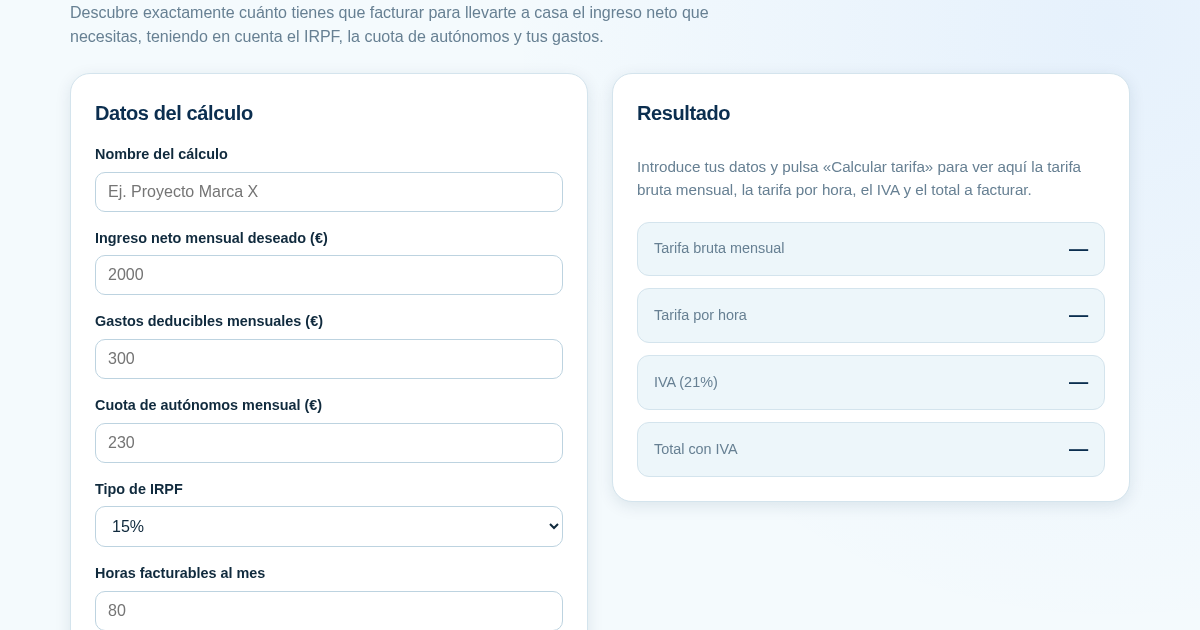
Calculadora de Tarifas para Autónomos
Muchos autónomos fijan sus tarifas sin saber cuánto necesitan facturar realmente para alcanzar el ingreso neto que quieren. Esta calculadora parte del neto mensual deseado y calcula la facturación bruta necesaria…
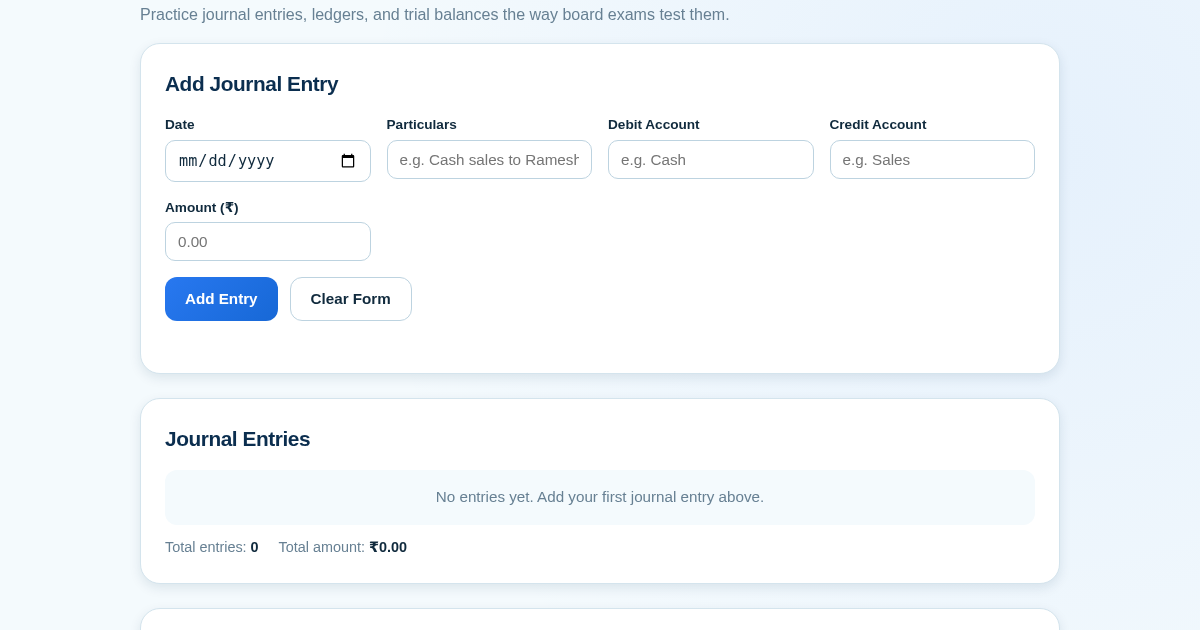
Ledger & Trial Balance Practice Tool
Commerce students in Class 10-12 need to practice journal entries and see how they flow into ledgers, trial balances, and balance sheets for board exams. This tool lets them enter transactions and instantly see the…
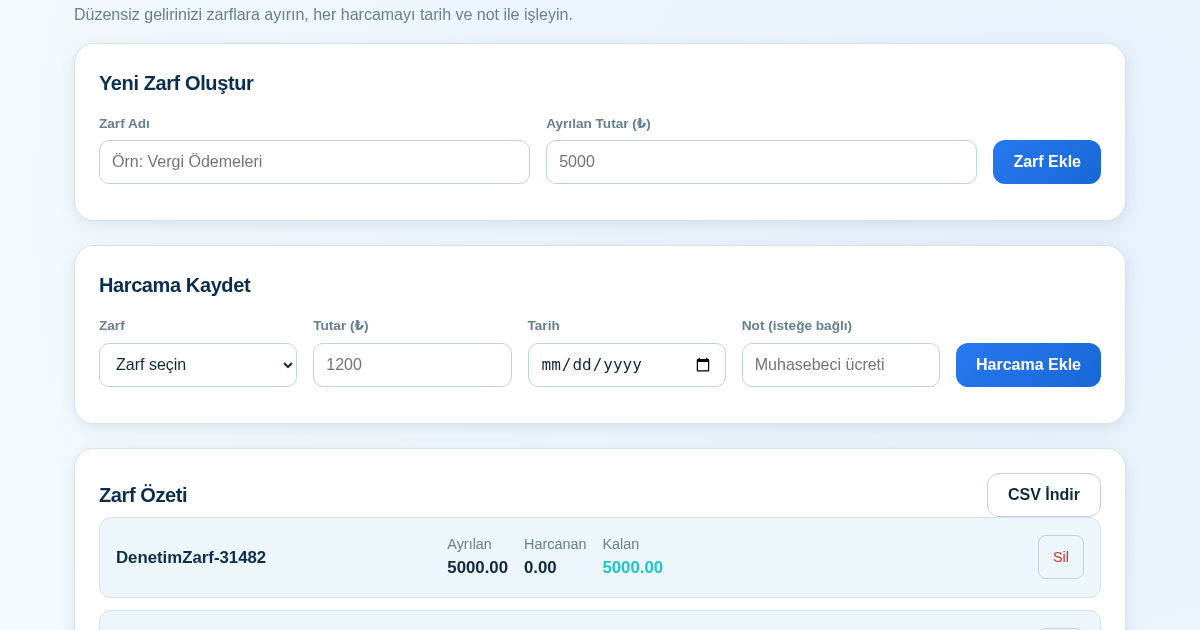
KASA - Serbest Çalışanlar İçin Zarf Bütçesi
Serbest çalışanlar düzensiz gelirlerini vergi, kira ve yaşam giderleri gibi zarflara bölerek bütçelerini düzenli tutabilir. Her harcamayı tarih ve not ile ilgili zarfa işleyerek ne kadar ayırdığını ve ne kadar…
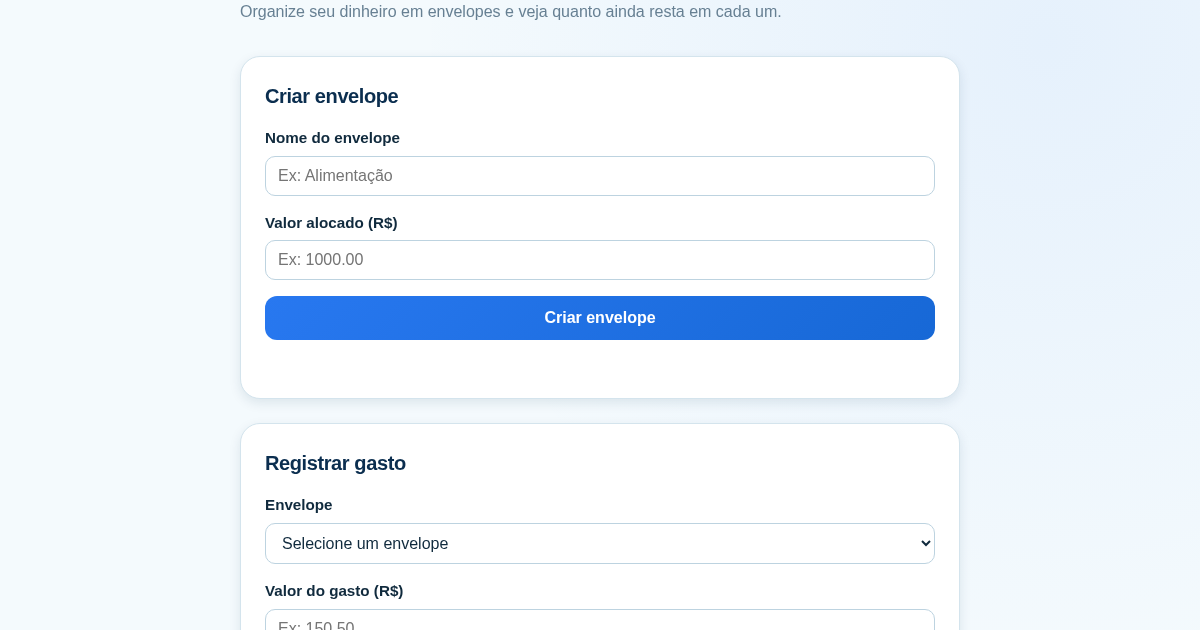
Calculadora de Orçamento por Envelopes (Pix)
Este aplicativo ajuda brasileiros a organizar seu dinheiro em envelopes de orçamento, como alimentação, transporte e lazer, sem precisar conectar uma conta bancária. Ele resolve o problema de controlar gastos do dia a…